


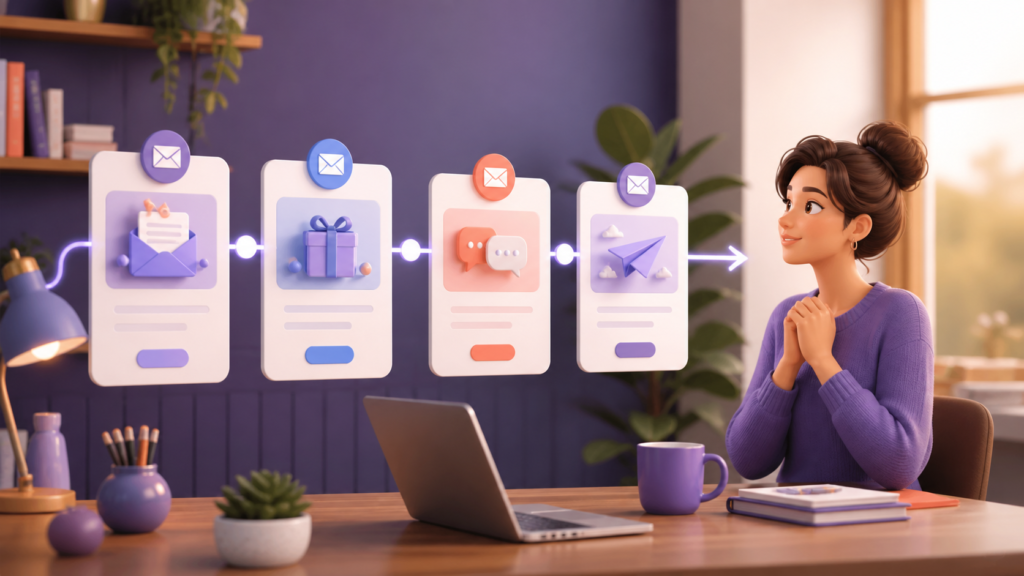
Map the Subscriber’s First Week
List what a new subscriber needs to know, feel, and do after joining. Remove anything that serves the sender more than the reader. The first week should deliver the promised resource, solve one immediate problem, explain what makes the business useful, and offer one relevant next step. This map prevents unrelated promotions from entering the sequence.
Create a Clear Signup Promise
The signup form should state what subscribers receive, how often messages arrive, and who sends them. Do not promise a checklist and immediately send unrelated sales emails. Store the signup source so the welcome content matches the reader’s interest. Use appropriate consent practices and maintain evidence of permission where required.
Write Better Subject Lines
A subject line should accurately describe the value inside. Keep it concise, recognizable, and consistent with the signup promise. Avoid fake replies, invented urgency, excessive punctuation, or misleading personalization. Test whether a reader can understand the purpose on a small mobile screen. The sender name should remain stable so subscribers learn to recognize it.
Design the First Email
Open with a direct welcome and deliver the promised item near the top. Explain how to use it, provide support contact information, and set expectations for the next message. Include one primary call to action. Test every download and link in a private window before activation. A broken first promise damages trust more than an imperfect design.
Turn the Second Email Into a Quick Win
Choose a small problem the subscriber can solve in ten to twenty minutes. Explain why the step matters, provide a short process, and show what completion looks like. Invite a reply about the result or obstacle. Replies reveal language and questions that can improve future articles, products, and support documentation.
Use the Third Email to Build Understanding
Explain the larger process behind the quick win. Share a useful framework, common mistake, or short example. If you include a customer story, obtain permission and describe results accurately. Avoid claiming that every reader will achieve the same outcome. Link to one detailed resource for people who want to continue learning.
Make the Offer Relevant
The final email can introduce a product or service when it logically follows the education that came before. State who it is for, the problem it addresses, important limitations, price information when appropriate, and what happens after the click. A clear invitation is more trustworthy than pressure based on unsupported scarcity.
Segment by Behavior Carefully
A reader who downloaded a marketing guide may need different examples from someone interested in business operations. Segment using transparent information such as signup source, selected interest, or completed action. Avoid sensitive inferences. Keep the number of branches manageable and test every path so subscribers do not receive contradictory messages.
Set Frequency and Exit Rules
Define what happens when a subscriber replies, purchases, changes preferences, or unsubscribes. Remove buyers from sales reminders that no longer apply. Prevent the welcome sequence from overlapping with too many regular campaigns. Honor unsubscribe requests promptly and make preference controls easy to understand.
Test Before Activation
Send the complete sequence to test accounts on desktop and mobile. Check sender details, subject lines, personalization, spacing, images, dark mode, links, tracking parameters, and unsubscribe behavior. Ask another person to read for confusing instructions and unsupported claims. Confirm that delays and automation triggers match the documented plan.
Measure Meaningful Results
Delivery and open data can identify technical problems, but business value appears in clicks, replies, completed onboarding steps, purchases, and retained subscribers. Compare each email with its specific purpose. A message designed to generate replies should not be judged only by clicks. Review complaints and unsubscribes for signs that expectations were unclear.
Improve One Variable at a Time
Test a subject line, timing, call to action, or content section separately. Use enough observations before declaring a winner, and consider practical importance rather than small percentage changes. Keep a change log so the team knows which version is active and why it was selected.
Frequently Asked Questions
How many welcome emails should be sent?
Three to five focused messages are enough for many businesses. The correct number depends on the promise, complexity, and reader’s buying cycle.
Should every email sell something?
No. Every email should advance the reader’s understanding. A commercial invitation should appear only when it is relevant and clearly explained.
What is the best delay?
Deliver the promised first email immediately, then test delays of one to three days while monitoring engagement and unsubscribes.
Final Launch Checklist
- Signup promise and consent are clear.
- The resource arrives immediately.
- Each message has one purpose.
- Links and mobile layout are tested.
- Claims are accurate and supportable.
- Exit and unsubscribe rules work.
- Results are reviewed on a schedule.
Recommended Timing
A simple sequence may send the first email immediately, the second after one or two days, the third two days later, and the final invitation after another two or three days. Adjust timing to the buying cycle and reader expectations. Urgent daily emails are rarely appropriate for a general newsletter.
Segmentation and Personalization
Use information the subscriber knowingly provided, such as the resource requested or topic selected. Send different examples to different interests when it improves relevance. Do not collect unnecessary personal information or use personalization that feels intrusive.
Deliverability Basics
Use a consistent sender identity, authenticate the sending domain through the email provider’s instructions, remove invalid addresses, and avoid misleading subject lines. Test links and mobile formatting before activation. Make replies reach a monitored inbox.
Write a Useful Call to Action
Each email should have one primary action. Use specific wording that explains the destination, such as viewing a checklist or replying with the reader’s main challenge. The landing page must match the promise made in the email.
Sequence Review Checklist
- The promised resource is delivered immediately.
- Every email contains useful information.
- Claims and links have been checked.
- The sender and purpose are clear.
- Unsubscribe requests are honored.
- Automation stops or changes after a reply or purchase.
- Results are reviewed against the original business goal.
A new subscriber has shown interest but may know little about your business. A welcome sequence helps them receive the promised value, understand your approach, and choose a useful next step.
Choose One Goal
Decide whether the sequence should deliver a resource, teach a key idea, introduce a service, or support a first purchase. One clear goal keeps every email connected.
Email 1: Deliver the Promise
Send it immediately. Welcome the subscriber, provide what they requested, explain what they will receive next, and include an easy unsubscribe option.
Email 2: Solve a Small Problem
One or two days later, share a practical tip that creates a quick result. Link to one relevant guide rather than overwhelming the reader.
Email 3: Explain Your Approach
Describe the problem you help solve, your working principles, and who the offer suits. Use real lessons instead of exaggerated claims.
Email 4: Offer a Next Step
Invite one action: reply, view a service, book a call, begin a trial, or explore a product. Explain the benefit and what happens next.
Write for Trust
- Use an honest subject line.
- Keep paragraphs mobile-friendly.
- Support every important claim.
- Respect consent and unsubscribes.
- Adjust automation when someone replies.
Measure and Improve
Track delivery, clicks, replies, unsubscribes, and the final action. Test one change at a time and focus on usefulness, not only opens.
Conclusion
A strong welcome sequence delivers value first, helps the reader, explains your approach, and offers a clear next step.
Draft a Complete Four-Email Example
Email one should thank the subscriber, deliver the promised resource, explain how to use it, and preview the next message. Email two should solve one small problem with clear steps and invite a reply. Email three can explain the business method through a practical example, including limitations and who the approach may not suit. Email four should offer one logical next step, state the benefit, and explain exactly what happens after the reader clicks.
Create a Quality-Control Worksheet
For every message, record the audience, purpose, subject line, preview text, primary action, destination link, delay, and exit condition. Add columns for mobile testing, proofreading, link verification, and approval. This worksheet makes mistakes visible before the automation reaches real subscribers and gives another team member enough context to review the sequence.
Handle Replies and Exceptions
Automation should never make subscribers feel trapped. Route replies to a monitored inbox, assign ownership, and define a reasonable response time. Pause promotional automation when a person starts a support or sales conversation. If a promised file changes, update both the delivery email and landing page. Review bounced addresses, complaints, and unusual unsubscribe spikes promptly rather than waiting for a monthly report.
Maintain the Sequence Over Time
Review the welcome sequence at least quarterly and whenever the offer, brand promise, pricing, or key resource changes. Check that screenshots, examples, testimonials, legal links, and product details are still accurate. Replace outdated advice instead of stacking new paragraphs onto old messages. A short, current sequence is more trustworthy than a long automation that nobody maintains.
Assign one owner and record the date of the last review. That simple responsibility keeps the sequence reliable as the business grows.